Quick answer: when an MCP-connected admin tool is exposed, the problem is not just that a patch exists. The real problem is that responders need to figure out quickly what the tool can change, where it is exposed, who owns it, and what containment step is safest first.
TL;DR
- The nginx-ui MCP auth-bypass story is a good example of how AI- or MCP-connected tooling can become an ops incident fast.
- Once an admin surface can restart services or rewrite config, vulnerability news turns into a live response problem.
- The first bottleneck is usually not awareness. It is context assembly.
- OpsRabbit fits in that gap by helping teams reduce time-to-context before the room loses 20 minutes to tool hopping.
What problem are we solving?
A lot of security news lands like a headline problem.
Patch this version. Block that IOC. Rotate a key. Review exposure.
But operationally, that is rarely where the real pain sits.
When a newly disclosed issue touches an MCP-connected admin plane, the first challenge is not just "do we have this version?" It is a cluster of more urgent questions:
- Is this tool exposed anywhere we care about?
- What systems can it actually change?
- Can it restart services, edit configs, reload traffic paths, or touch credentials?
- Which team owns it?
- What is the safest containment move if we are not ready to patch immediately?
That is how a vulnerability story becomes an operations incident.
Short answer
MCP-connected admin tools compress the distance between exposure and operational impact.
If the integration can change configuration, trigger reloads, or act on privileged infrastructure surfaces, then a disclosure is not just a security bulletin. It is a race to build enough trusted context to contain risk safely.
Why this matters right now
The nginx-ui story is a clean example.
The project’s advisory describes an auth asymmetry between /mcp and /mcp_message. While /mcp used both IP whitelisting and authentication, /mcp_message only used IP whitelisting. With the default empty whitelist treated as allow-all, a network attacker could invoke MCP tools without authentication.
That matters because those tools were not harmless. The advisory describes restart and reload capabilities, plus config creation and modification paths that could lead to full Nginx service takeover.
The Hacker News later reported active exploitation and pointed teams to version 2.3.4 as the fix, with workaround guidance around forcing authentication on /mcp_message or changing the IP-allowlisting behavior.
Recorded Future then listed CVE-2026-33032 among actively exploited vulnerabilities in its March 2026 landscape.
That sequence is exactly what makes the story operationally important:
- A connected admin surface has meaningful power.
- Authentication breaks in a way that is easy to weaponize.
- Exploitation activity shows up quickly.
- Responders now need answers faster than the blog-post cycle moves.
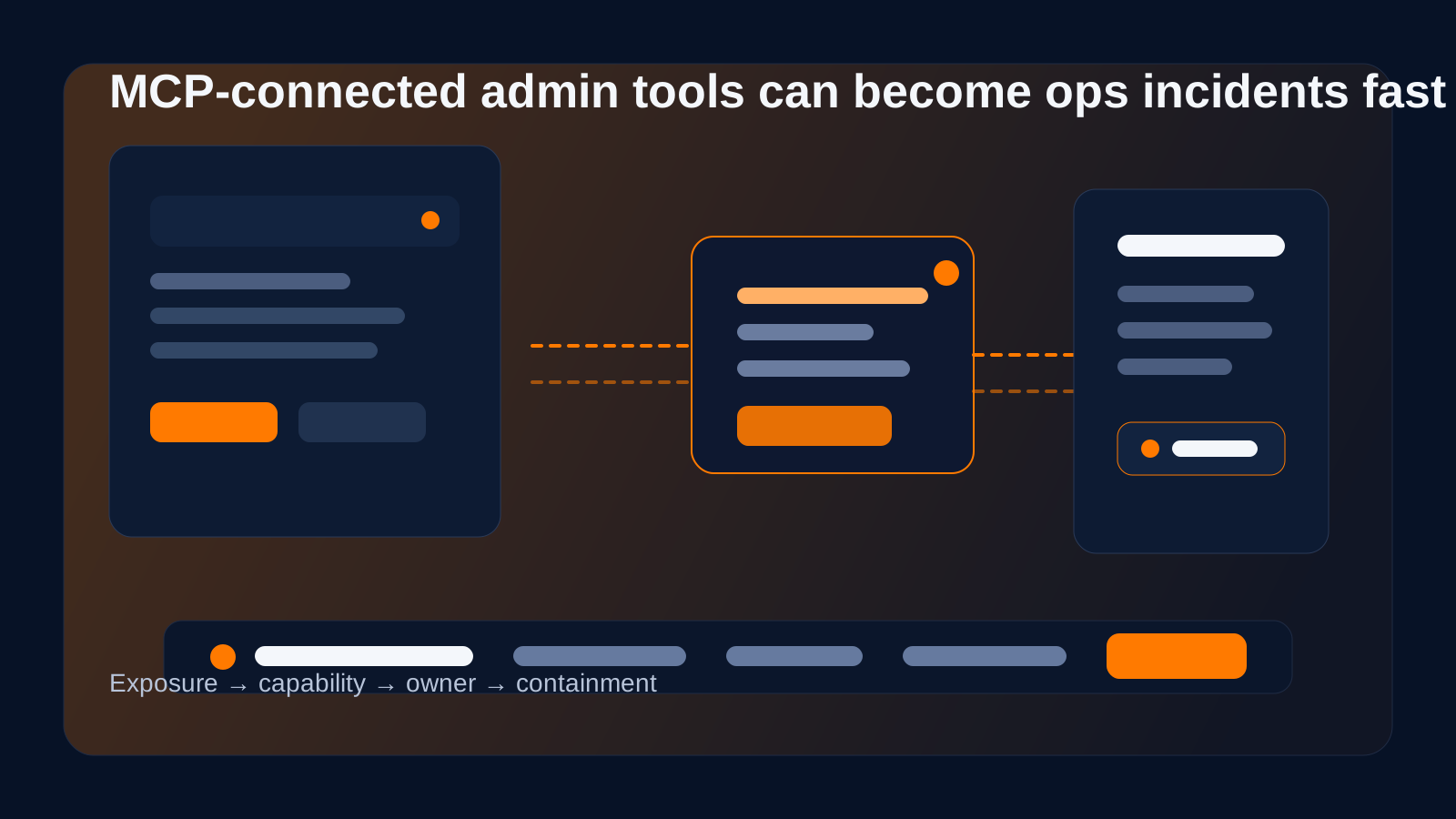
The pressure point is not reading the advisory. It is understanding exposure and safe next steps before the blast radius widens.
Why MCP changes the operational picture
I think the most useful way to understand MCP risk is not to start with protocol theory. Start with capability.
Praetorian’s research makes the broader point well: MCP servers are an underexplored attack surface because they connect AI systems to real tools and data. That means the risk is not limited to bad answers or prompt weirdness. It can include code execution, data exfiltration, and unauthorized actions through trusted integrations.
For operations teams, the practical lesson is simple:
if an MCP-connected surface has admin power, then it deserves the same seriousness as any other exposed control plane.
Once that clicks, the response pattern becomes clearer.
What the first 20 minutes should look like
When a story like this breaks, responders usually need four answers fast.
1. Do we run the affected tool anywhere reachable?
Not in theory. In reality.
Teams need to know where the service exists, whether it is internet-reachable or internally reachable from risky segments, and whether exposure is broader than anyone assumed.
2. What can this MCP surface actually do?
This is where generic asset inventory is not enough.
The responder needs to know whether the tool can:
- restart or reload production services
- modify live config
- expose secrets or backups
- alter reverse proxy behavior
- impact customer-facing traffic
3. Who owns it and what changed recently?
The fastest way to lose time is to discover ownership during the incident.
Recent deploys, config changes, package upgrades, network policy edits, and admin-surface exposure changes all matter here.
4. What is the safest containment move right now?
Sometimes that is patching immediately. Sometimes it is isolating access first. Sometimes it is disabling the MCP path, tightening allowlists, or forcing auth before the full maintenance window happens.
The key is getting enough context to choose the narrowest effective move.
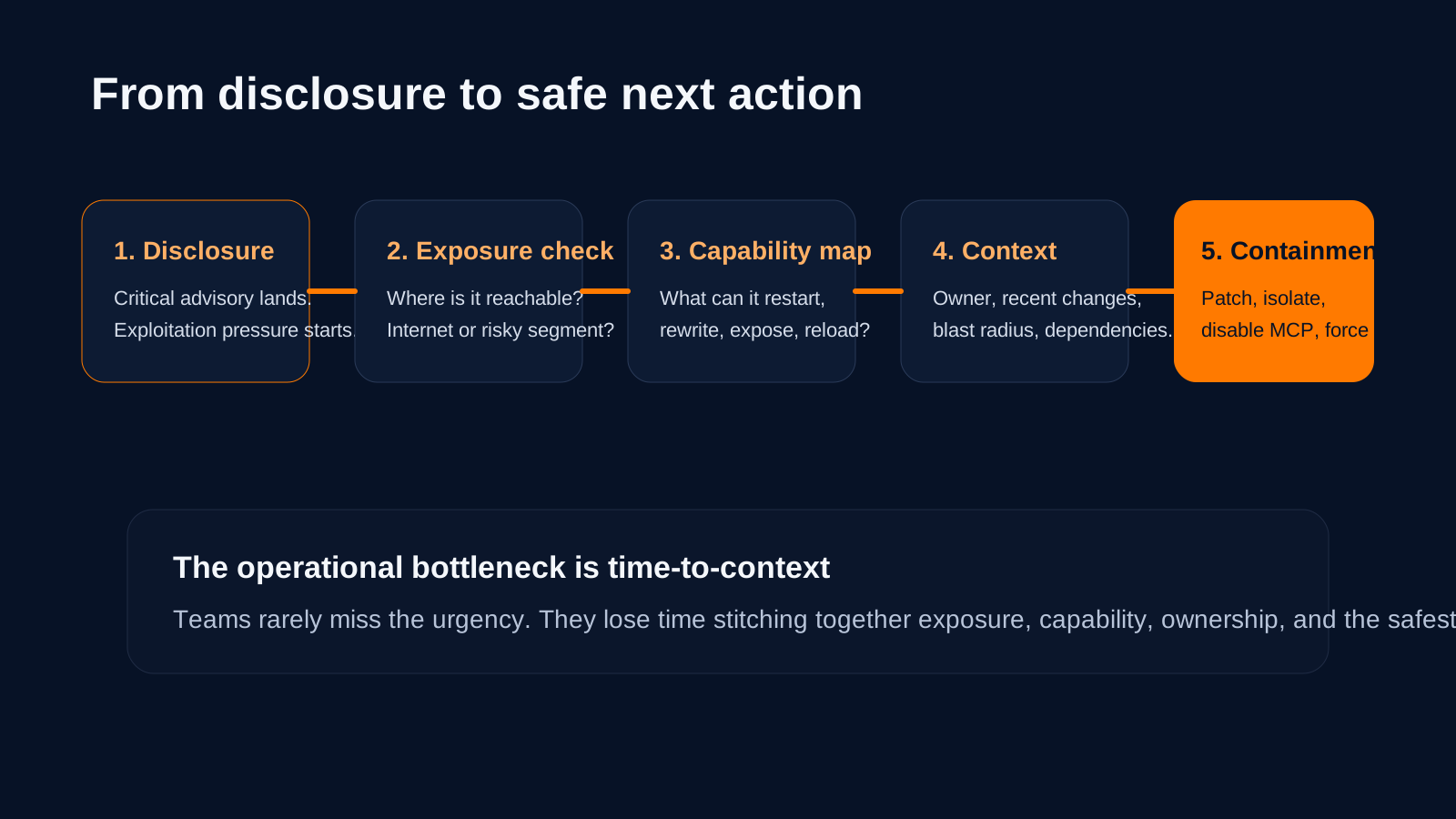
Good response is not just faster patching. It is faster, evidence-backed understanding of what needs protection first.
Where teams usually get stuck
Most teams do not struggle because they fail to understand that a critical auth bypass is bad.
They struggle because the answer lives in too many places:
- one system shows version data
- another shows network exposure
- another has the owner
- another has recent changes
- another has the config history
- chat has the human context nobody wrote down anywhere else
That is the time-to-context problem.
Detection may be instant. Containment urgency may be obvious. But safe action still depends on one coherent picture.
Where OpsRabbit fits
This is exactly the part OpsRabbit is built to help with.
OpsRabbit is not the patch. It is not the firewall rule. It is not a magical claim that AI stops every exploit.
The value is helping responders get faster answers to the questions that matter first:
- what changed
- what systems are in scope
- who owns them
- what evidence is most relevant
- what next action is safest to validate first
That matters a lot when a fast-moving disclosure touches a privileged operational surface.
Final thought
The nginx-ui case is useful because it strips the problem down to basics.
An MCP-connected admin path had meaningful power. Authentication controls were inconsistent. Exploitation pressure followed. Now the team response depends on how quickly people can turn the headline into trusted operational context.
That is the real lesson.
As more AI- and MCP-connected tools get wired into admin workflows, the biggest operational risk is not only that flaws exist. It is that the path from disclosure to safe action is still too manual.
If your team is feeling that gap already, OpsRabbit is worth a look.
FAQs
Why is an MCP vulnerability an operations problem, not just a security problem?
Because once the connected surface can restart services, modify configs, or alter production behavior, responders need fast answers about exposure, ownership, blast radius, and safe containment.
What should teams do first when a connected admin tool flaw breaks?
Figure out where the tool is reachable, what actions it can perform, who owns it, what changed recently, and what narrow containment step reduces risk fastest.
Sources
- GitHub Advisory: Unauthenticated MCP Endpoint Allows Remote Nginx Takeover - published March 28, 2026.
- The Hacker News: Actively Exploited nginx-ui Flaw Enables Full Nginx Server Takeover - April 15, 2026.
- Recorded Future: March 2026 CVE Landscape - highlighting CVE-2026-33032 among actively exploited vulnerabilities.
- Praetorian: MCP Server Security, The Hidden AI Attack Surface - February 17, 2026.
- CISA Cybersecurity Alerts & Advisories - accessed May 3, 2026.
Last Updated
2026-05-03
Ready to Transform Your Operations?
Ask for a demo today. Experience how OpsRabbit can reduce your MTTR by up to 90%.